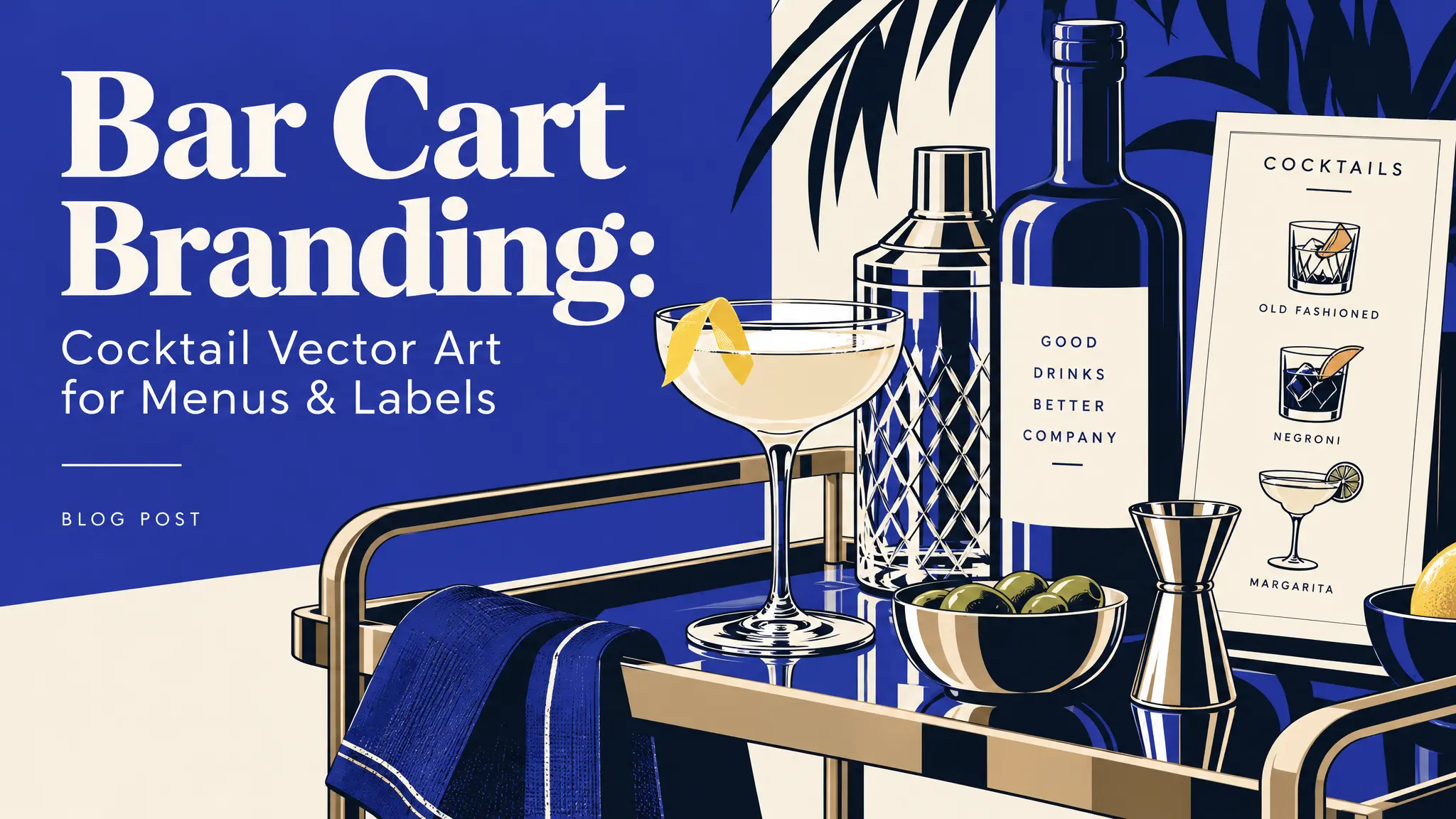
A cocktail menu with illustrated garnishes, glassware and bottles looks much more finished than a plain list of drink names. Cocktail vector art is also one of the cheapest upgrades a small bar, café or home bar can make. The artwork doesn’t need to be custom to look intentional. It just needs to be used consistently.
This guide goes through six places where cocktail illustrations make the biggest difference, with layout tips for each and the collections that fit best.
Start with one themed set
Before you design anything, pick one set of bar-related illustrations, like bottles, glassware, garnishes and tools, and use pieces from that same set on every surface. Consistency is what reads as “branded” to a customer, much more than any single graphic.
Our cocktail collections each have their own mood:
- Elegant and classic: Classic Cocktails 01 and Fancy Cocktails 01
- Bright and summery: Tropical Cocktails 01 and Tropical Cocktails 02
- Tools and bottles: Bar Essentials 01
- Casual and hand-drawn: Doodle Drinks and Drinks Cocktails 02
Choose one and stick with it. For more on picking a style, read Flat Design vs Line Art vs Silhouette.
1. Cocktail menus
Using one illustration style, like bold black line work, as small accent icons does more for a menu than one big image at the top.
Layout tips:
- One graphic per section, not per drink. A martini glass next to “Classics,” a coconut next to “Tropical,” a shaker next to “Signatures.” An icon on every line makes the page cluttered instead of designed.
- Keep icon sizes consistent, about 1.5–2 times the height of the section heading.
- Leave white space. A menu is read in dim light, often quickly.
- Use a small icon as a “house favorite” marker, with a legend at the bottom.
Tip: for chalkboard menus, use white line art on a dark background. It looks hand-drawn and cozy. For more menu layout ideas, see our guide to food icons for menus and recipe cards.
2. Coasters
This is where a single strong illustration earns its keep, because a coaster is basically one graphic and very little else. A shaker, a garnish or one glass silhouette centered on a coaster looks much cleaner than a full scene squeezed into a 10 cm circle.
How to make them:
- Printed paper coasters: order them from a print shop with your graphic and logo.
- Cork or wood coasters: laser-engrave a single line-art glass. Line art engraves beautifully because there’s no shading to reproduce.
- Ceramic coasters: use sublimation coasters or permanent vinyl.
Laser engraving and vinyl cutting need vector files. Here’s why: SVG vs PNG.
3. Bottle labels for house-made syrups and bitters
Vintage-style botanical or bottle illustrations work especially well here, because people already associate them with apothecary and classic-bar style.
Keep the label text minimal:
- Ingredient name (“Rosemary Syrup”)
- One short description (“for gin & tonics”)
- A small logo or mark
- The date it was made
Let the illustration carry the personality. Print on waterproof or kraft label paper, or cut the design from vinyl for glass bottles. If you want two-color labels, our guide on layering SVG files for multi-color vinyl explains how.
4. Social media posts
A “cocktail of the week” post is much more shareable with an illustrated garnish or glass next to the photo. Illustrations also solve a problem that photos can’t: they look the same every time. That’s useful for a weekly series where consistency matters more than novelty.
Ideas:
- A recipe card template with an illustration, ingredients and steps
- “Happy hour” story templates with the times and a glass icon
- Event announcements, like live music or tasting nights
- A highlights cover set using one icon per category
Transparent PNGs drop onto any background. See how to use transparent PNG files.
5. Table tents and window signage
People glance at these for about two seconds, so a single bold silhouette, like a martini glass or a citrus wedge, works faster than any clever copy. Save the wordplay for the menu, where people actually read.
- Table tents: one illustration, the drink name and the price
- Window decals: a large cocktail glass cut from white vinyl, with “Cocktails” or “Happy Hour 5–7”
- A-frame signs: a big hand-drawn-style illustration and a single line of text
For large signs, always use the SVG so the edges stay sharp at any size.
6. Merch and extras
Once your bar has a look, extend it:
- Branded bar towels or aprons with a small icon
- Stickers for takeaway cups
- Gift cards and loyalty cards
- Cocktail kits for customers to take home, with a label and a printed recipe card
For home bartenders, the same ideas make great gifts: a bottle of homemade limoncello with a custom label, or a set of engraved coasters.
A simple test: does it look branded?
Put your menu, a coaster, a label and a social post side by side. If they look like they’re from the same place without a logo on them, your cocktail vector art is doing its job. If not, the fix usually isn’t more graphics. It’s fewer, used more consistently. Our guide to building a brand kit from themed vector collections walks through this step by step.
FAQ: cocktail vector art
Can I use your cocktail graphics on my bar’s menu? Yes. For business use without attribution, you need a Pro plan, which includes a commercial license.
Can I use them in my bar’s logo? You can use them in your designs, but you can’t register them as a trademark. See our licensing guide for details.
Can I change the colors to match my bar? Yes. Download the SVG and follow our guide on how to recolor an SVG.
What’s the best style for a cocktail bar? Line art for classic and upscale bars, bright filled illustrations for tropical and beach bars, and doodle styles for casual cafés and home bars.
Cheers to a better-looking bar
You don’t need a design agency to make your bar look put together. Pick one set from Bar Essentials 01 or Fancy Cocktails 01, and use it everywhere.